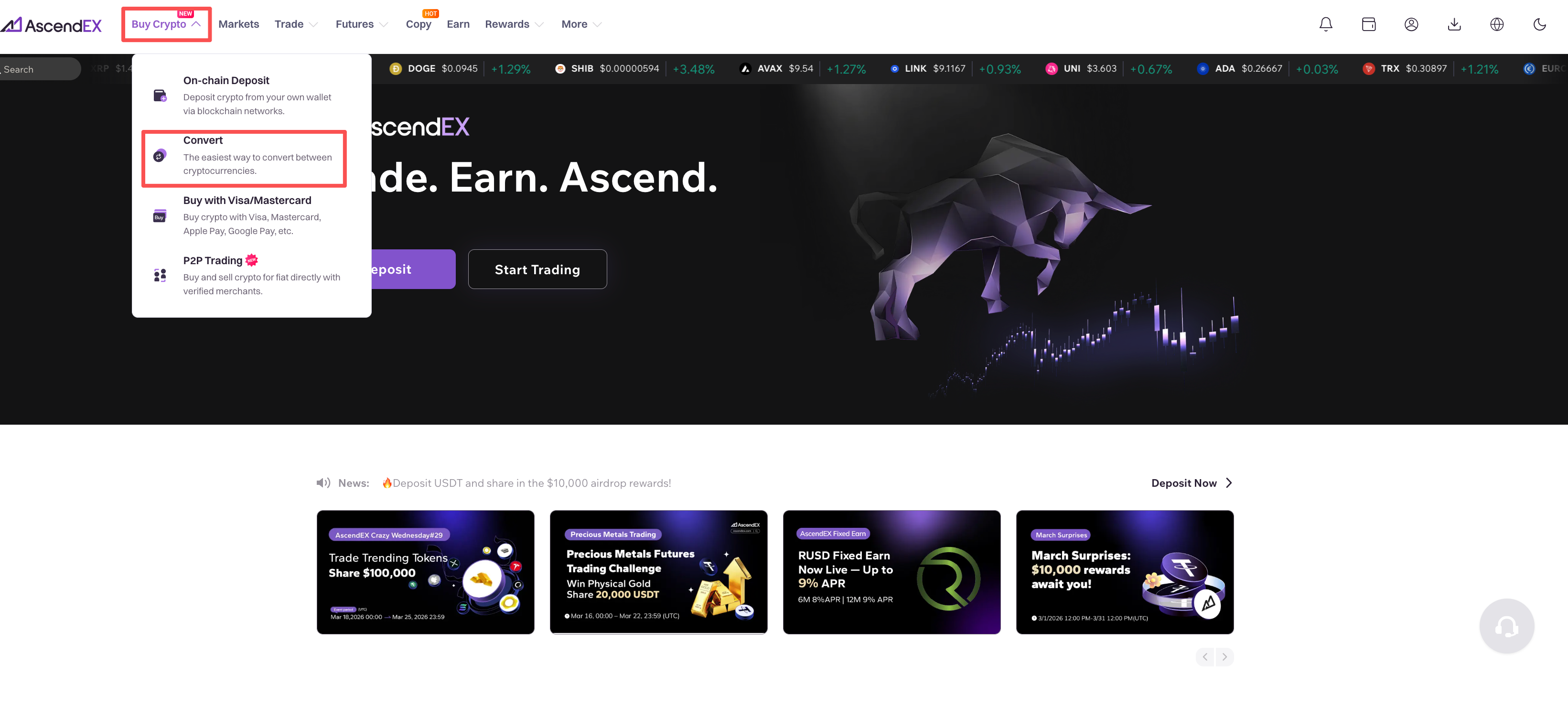
1. Open the AscendEX website and click on “Buy Crypto” in the upper left corner of the homepage. Select “Convert” in the dropdown menu
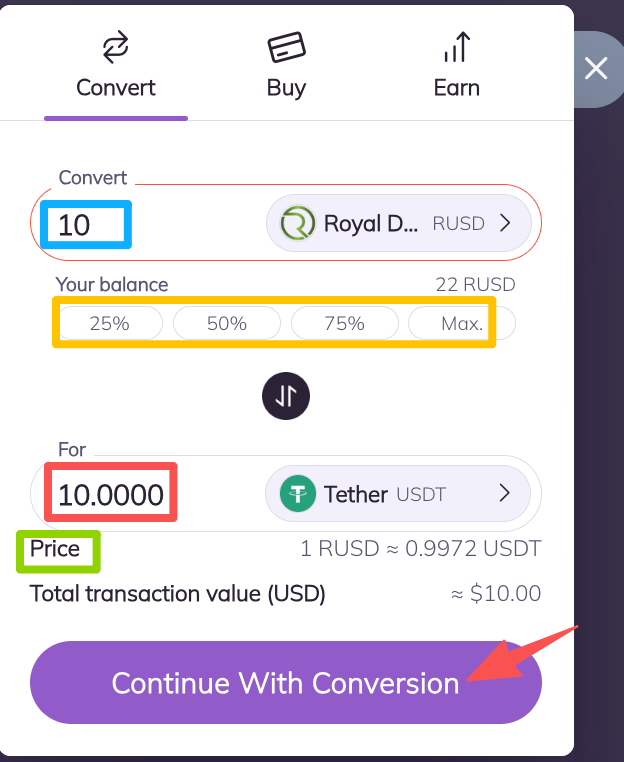
2. On the “Convert” page, you can select Sell Token or Buy Token by clicking the dropdown arrow on the right of the “Convert” and “For” action bar, respectively, then input the sell amount. You can directly check the amount available for you to sell,you can click on “MAX” to sell all the available tokens. Then click on “Continue to Convert” to check your conversion details.
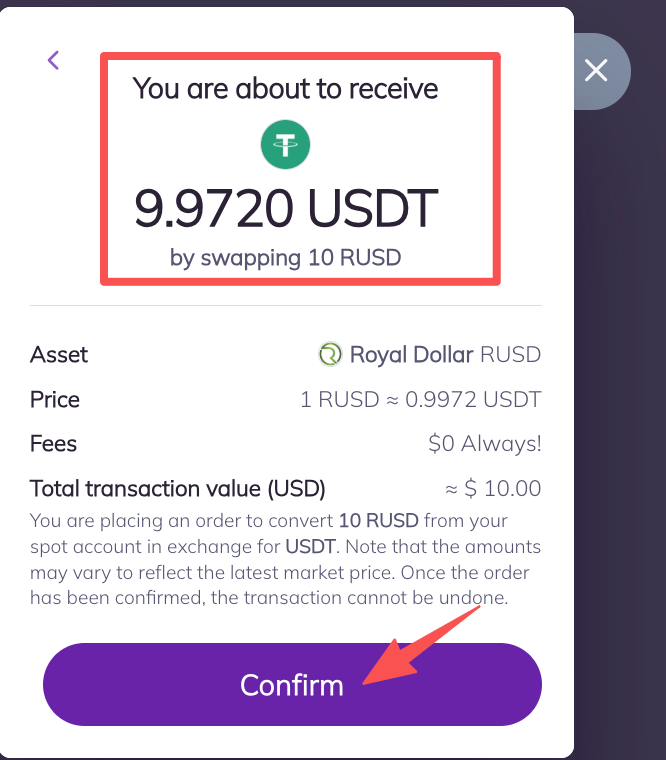
3. On the conversion information page, check the buy and sell details, then click on “Confirm”.
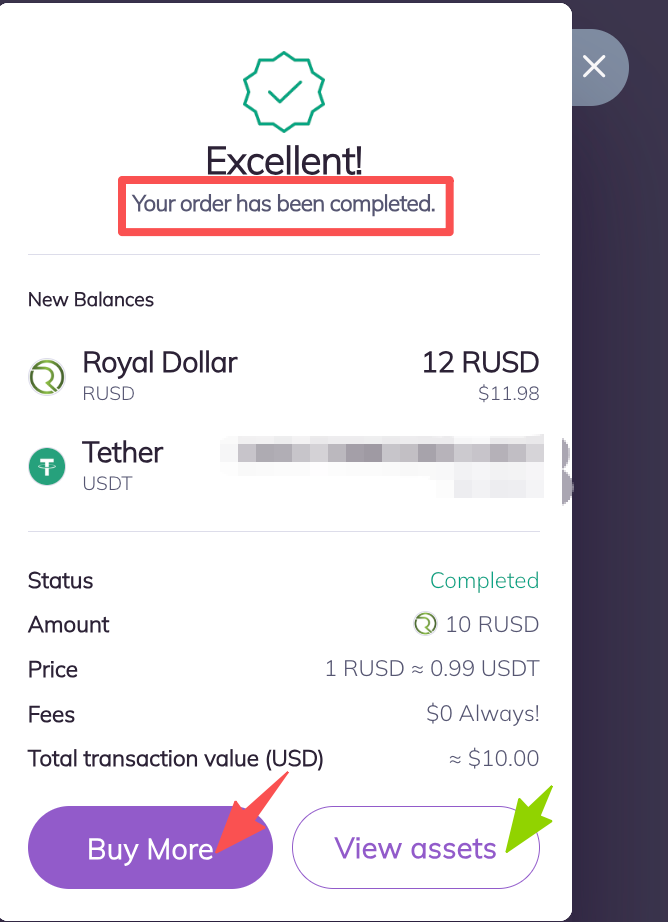
4. After completing the conversion, you can tap on “Buy More” to continue to convert or click on “View Assets” to check your current asset information.